

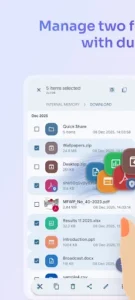



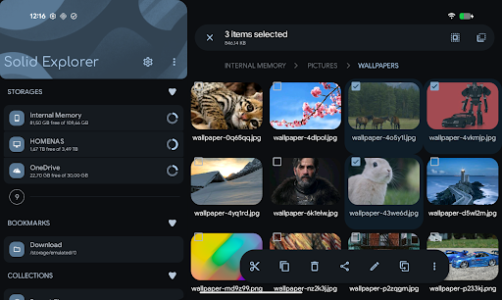
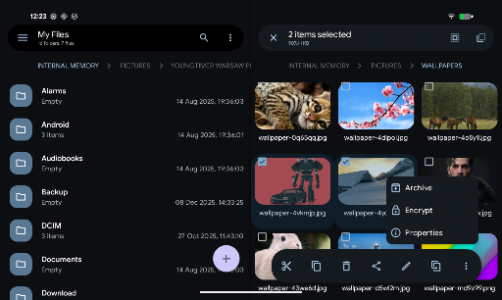
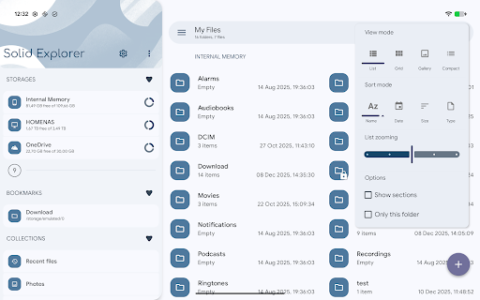
Solid Explorer File Manager is an app that provides comprehensive control over your digital files, whether they reside on your device, in cloud storage, or across a network. It enables users to manage, transfer, and organize files efficiently using a distinctive dual-pane layout. This interface allows for drag-and-drop operations between two simultaneously open folders, streamlining tasks like moving data from an SD card to a network drive or between different cloud services.
Streamlined File Management
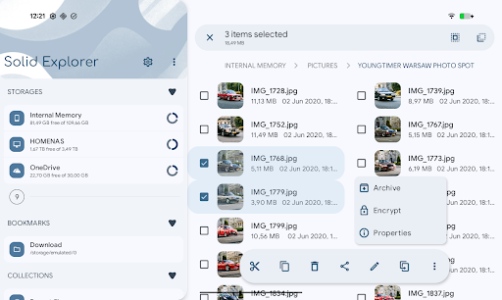
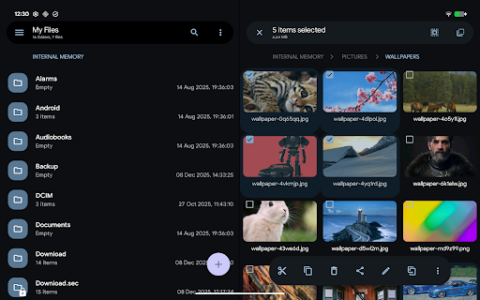
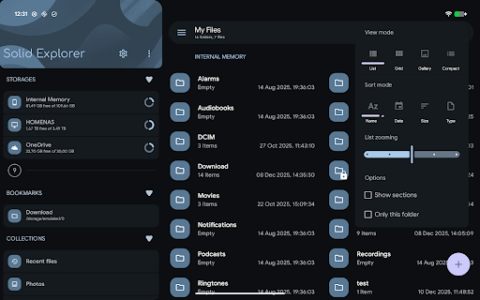
The app’s dual-pane layout allows you to view and interact with two different folders side by side, facilitating quick file organization through drag-and-drop actions. For finding specific items, Solid Explorer includes an indexed search function with filters, enabling instant location of files. Users can also manage files in bulk by renaming multiple items using predefined patterns. To help categorize content, the app automatically sorts files into Collections such as Downloads, Photos, Videos, Music, Documents, and Apps.
Broad Storage Connectivity
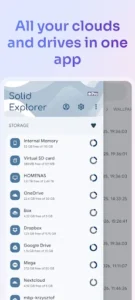
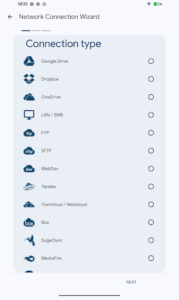
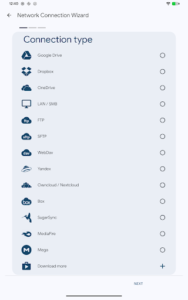
Solid Explorer File Manager extends its reach beyond local device storage, offering access to a wide range of cloud services including Google Drive, OneDrive, Dropbox, Box, NextCloud, SugarSync, MediaFire, Yandex, and Mega. It also supports network protocols like FTP, SFTP, SMB/CIFS (Samba), and WebDAV, allowing connections to NAS drives and servers. This comprehensive connectivity enables file transfers between any two locations, such as moving data directly from one cloud service to another, from a server to your phone, or from an SD card to a network-attached storage device, all within the app’s interface.
Enhanced Security and Sharing Capabilities
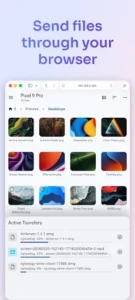
For sensitive files, the app provides AES-256 encryption, allowing users to lock content behind a password or fingerprint. Encrypted files remain protected even if the app is uninstalled, and no external account is required for this feature. To share files with other devices on your network, Solid Explorer includes a built-in web server. This allows any device with a web browser, such as a phone, tablet, or computer, to access shared files without needing to install the app on the receiving end. Additionally, an integrated FTP Server allows users to access their phone’s files from a PC.
Storage Analysis and Archiving
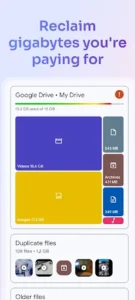
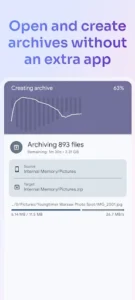
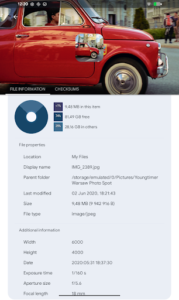
The app features a storage analyzer tool that helps identify what is consuming space on your device. It can locate duplicate files, large files, and general junk to assist in cleanup, functioning similarly to dedicated cleaner apps but integrated directly into the file manager. This analysis capability works across internal storage, SD cards, USB OTG drives, and even connected cloud storage like Google Drive, OneDrive, and Dropbox. For compressing and decompressing files, Solid Explorer supports creating and extracting archives in ZIP, 7ZIP, RAR, and TAR formats.
Integrated Utilities and Advanced Access
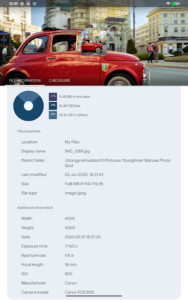
Solid Explorer File Manager includes built-in media viewers and editors, such as an image viewer, music player, video player, and a text editor, allowing users to interact with various file types without leaving the app. For users with rooted devices, a Root Explorer feature provides the ability to browse system files, offering a deeper level of device control.







Write a review